A client reporting template that explains what to do next
Copy a practical client reporting template with comparable results, clear limitations, and an owned next action. Includes an illustrative conversion-rate example.
The ClickClacks team · 6 min read
On this page 8 sections
- Agree on the decision before selecting charts
- Copy this report structure
- Show a rate with its numerator and denominator
- Keep the comparison genuinely comparable
- Separate finding, interpretation, and recommendation
- Make the action and decision request concrete
- Use charts to answer one question each
- Maintain client separation and a decision history
A client reporting template should make it easy to understand what happened, how much confidence to place in the result, and what decision comes next. A dashboard export can supply evidence, but the report still needs to connect that evidence to the client’s objective.
Use a short, repeatable structure: objective, comparable results, finding, limitation, next action, and decision request. Keep the definitions and source links close enough that another person can check the numbers. Repeating the structure is helpful; repeating last month’s explanation without checking it is not.
The example in this guide is a fictional agency engagement focused on a SaaS sign-up flow. All results, targets, dates, and roles in the example are illustrative. No customer is being named or described.
Agree on the decision before selecting charts
Ask what the client needs to decide this period. They may need to prioritize a sign-up fix, understand whether a recent change helped, or approve research into a suspected obstacle. Those decisions require different evidence from a general overview of website traffic.
Write the objective as a user or business outcome, then identify the observable signal and metric. This goals-to-metrics reference supports that sequence. The report template below adds an owner, review date, and explicit decision request so the analysis can lead to action.
Choose a reporting cadence that matches the work. A weekly operational note can identify a tracking failure quickly. A monthly review can compare complete periods and summarize decisions. Do not promise meaningful week-to-week conversion conclusions when the volume or observation window cannot support them.
Copy this report structure
Use the following as a starting template. Keep the bracketed fields visible until someone supplies the missing information; do not fill a gap with a confident-sounding guess.
Client: [client name]
Reporting period: [start, end, timezone]
Prepared on: [date; data complete through date]
Objective: [outcome the client wants]
Result: [Metric] = [numerator] / [denominator] = [rate] Previous comparable period: [same definition and window] Change: [count, percentage points, or relative percent] Source: [report link; definition and filters]
Finding: [What the observations establish]
Interpretation: [A plausible explanation, explicitly identified as such]
Limitation: [Missing evidence or alternative explanation that matters]
Next action: [Action, owner, completion date, and expected learning]
Review: [When and how the result of that action will be checked] ```
The template is intentionally small. Put detailed breakdowns in an appendix or linked report, but retain anything that materially changes the interpretation in the main report. A caveat that reverses the conclusion should not require a reader to open another file.
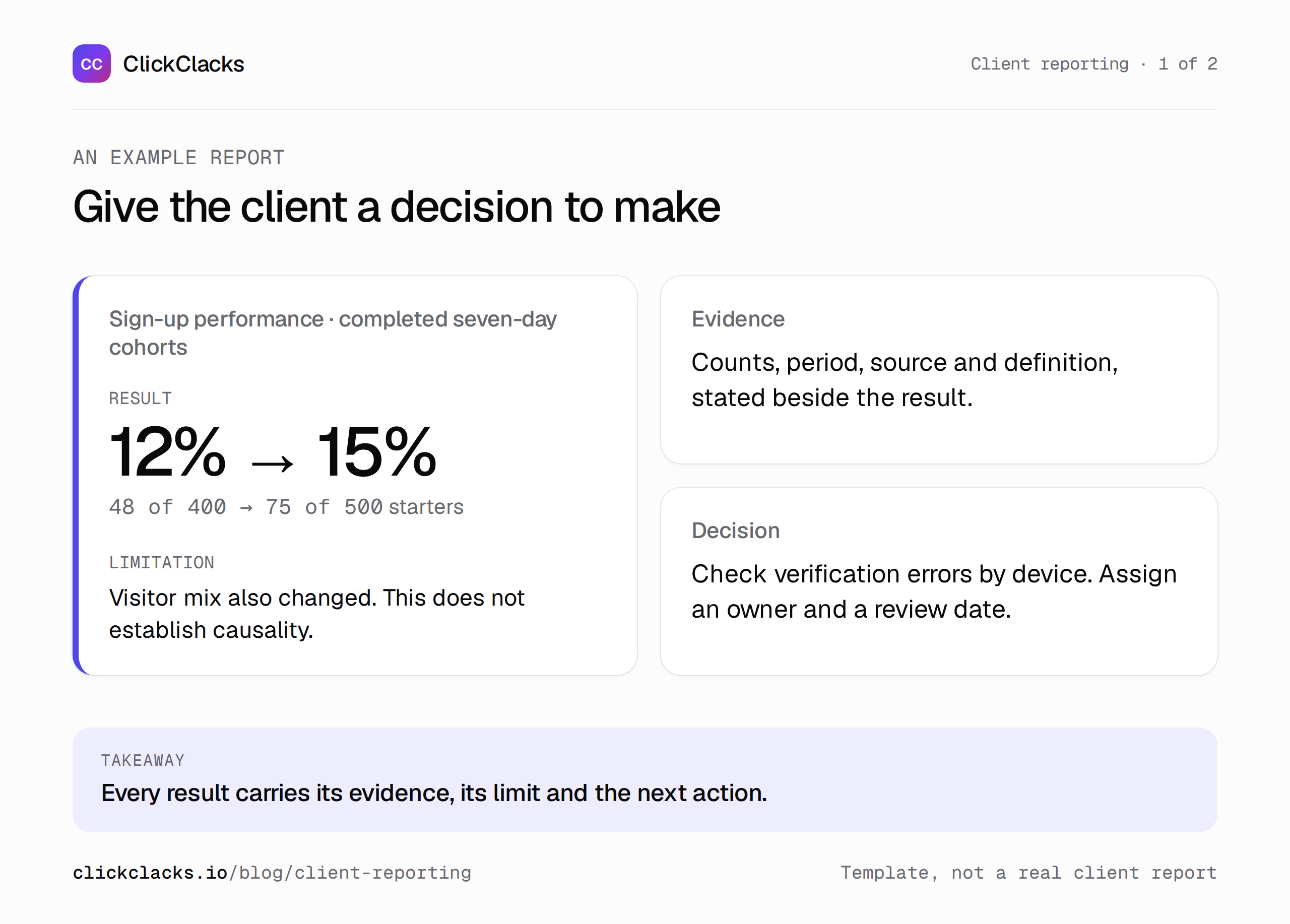
A structural example. Replace placeholders with verified client information before sharing.
Show a rate with its numerator and denominator
Imagine the client’s objective is helping more visitors complete sign-up. In the previous completed period, 48 of 400 eligible sign-up starters finished within seven days. That is 12%. In the current completed period, 75 of 500 finished, giving 15%.
The conversion rate increased by 3 percentage points. Relative to the original 12%, that is a 25% increase. Completed sign-ups rose by 27, or 56.25%, because both the number of starters and the conversion rate increased.
Choose the change that answers the question and label it precisely. Writing “conversion increased 25%” beside a chart of sign-up counts would conflate two different calculations. Showing the underlying counts makes the distinction easier for the client to check.
These differences are descriptive. They do not, by themselves, establish statistical significance or prove that the agency’s work caused the increase. Avoid implying either conclusion through a celebratory chart title.
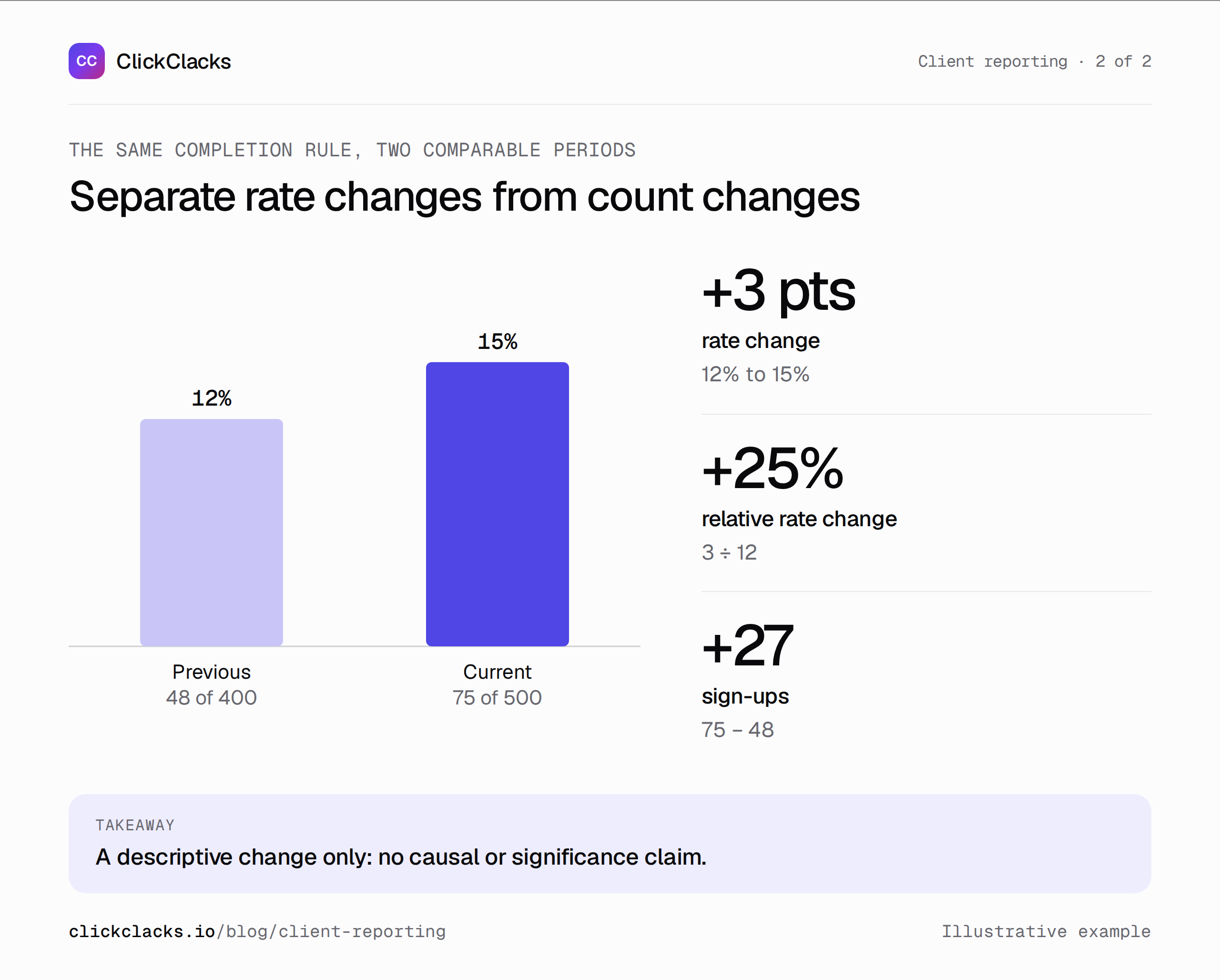
Both periods use completed seven-day windows. The difference is descriptive, not causal evidence.
Keep the comparison genuinely comparable
List the eligibility rule, event definitions, observation window, and timezone. If one period includes internal testing and the other excludes it, fix the comparison before explaining the movement. If instrumentation changed, state where the series breaks.
The current period may need to end earlier than today so every entrant has seven days to finish. Show the reporting period and data-complete-through date separately when they differ. That avoids presenting unfinished recent cohorts as an apparent drop in performance.
Check acquisition and device mix where they could affect the conclusion. A larger share of returning evaluators might convert differently from first-time visitors. A before-and-after result can still be useful, but the report should acknowledge material changes in who entered the flow.
Separate finding, interpretation, and recommendation
For the example, a finding is: “Sign-up completion was 75 of 500, compared with 48 of 400 in the prior comparable period.” That is a statement about the observations.
An interpretation could be: “The clearer verification message may have contributed, but the proportion of returning visitors also changed.” That identifies a plausible explanation and an alternative. Do not rewrite it as certainty simply because the client expects a recommendation.
A recommendation could be: “Review verification failures by device before expanding the redesign to the workspace setup.” The recommendation can be useful even when causality remains uncertain, because it proposes a bounded way to learn more.
Make the action and decision request concrete
“Continue optimizing” does not tell the client what they are approving. Specify the work, owner, deadline, and evidence expected at the next review. In a real report, replace roles with named accountable people only after confirming responsibility.
For the illustrative engagement: “Engineering will reproduce the three most common verification error categories in staging by the next review. The agency will summarize affected counts and recovery paths. The client needs to approve time for that investigation.”
Do not invent a budget, an agreed target, or a deadline the client never accepted. If a target is absent, say it is not yet agreed and propose how to set it. A fabricated target makes the report look complete while weakening the decision it is supposed to support.
Use charts to answer one question each
Choose a simple comparison when there are only two periods. Label the metric, counts, denominator, and dates directly. A decorative trend line between two observations implies a history you do not have.
Use a stage chart when the question is where people stop, or a cohort view when the question is whether groups return at the same age. Include a short caption explaining the relevant limitation. Do not paste a crowded dashboard and ask the client to discover the point.
Keep image descriptions useful for readers who cannot see the chart. “Conversion rose from 12% to 15%, based on 400 and 500 starters” conveys evidence; “analytics graph” does not. Use authorized client data for real reports, and label illustrative material as such.
Maintain client separation and a decision history
Keep each client’s source reports, access, and identifiers separate. Check permissions before sharing a report link; a private dashboard URL is not useful to a client who cannot open it, and a broad access grant may expose unrelated information.
The analytics for agencies page explains how ClickClacks approaches multiple client projects. Use the reports as inputs to the narrative, and verify that any broader reporting sources or integrations you mention are actually available in your workflow.
Save the report and the decision it produced. At the next review, start with what happened to the previous action before introducing another recommendation. Over time, that creates a record of what was observed, what was decided, and what the team learned—information a folder of screenshots cannot preserve on its own.
Keep reading
All posts
Guides10 min read
User onboarding analytics: find where new users get stuck
Find the onboarding step that prevents activation, reproduce a worked funnel with sample events, and separate pending users from real drop-offs.
Guides6 min read
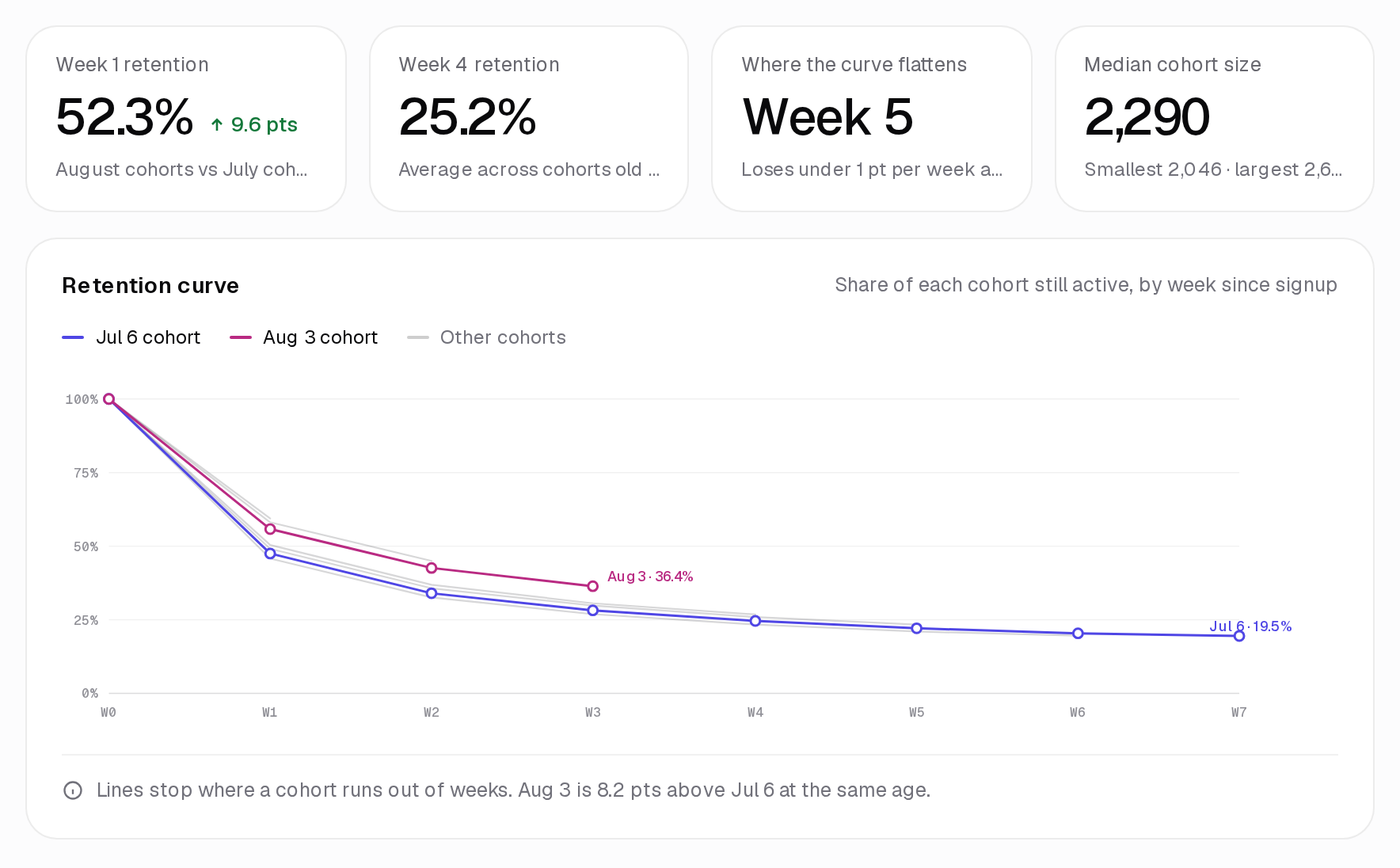
How to interpret cohort analysis without misreading the grid
Learn how to read cohort rows and columns, distinguish pending periods from zero activity, and compare retention fairly using an annotated worked example.
Guides6 min read
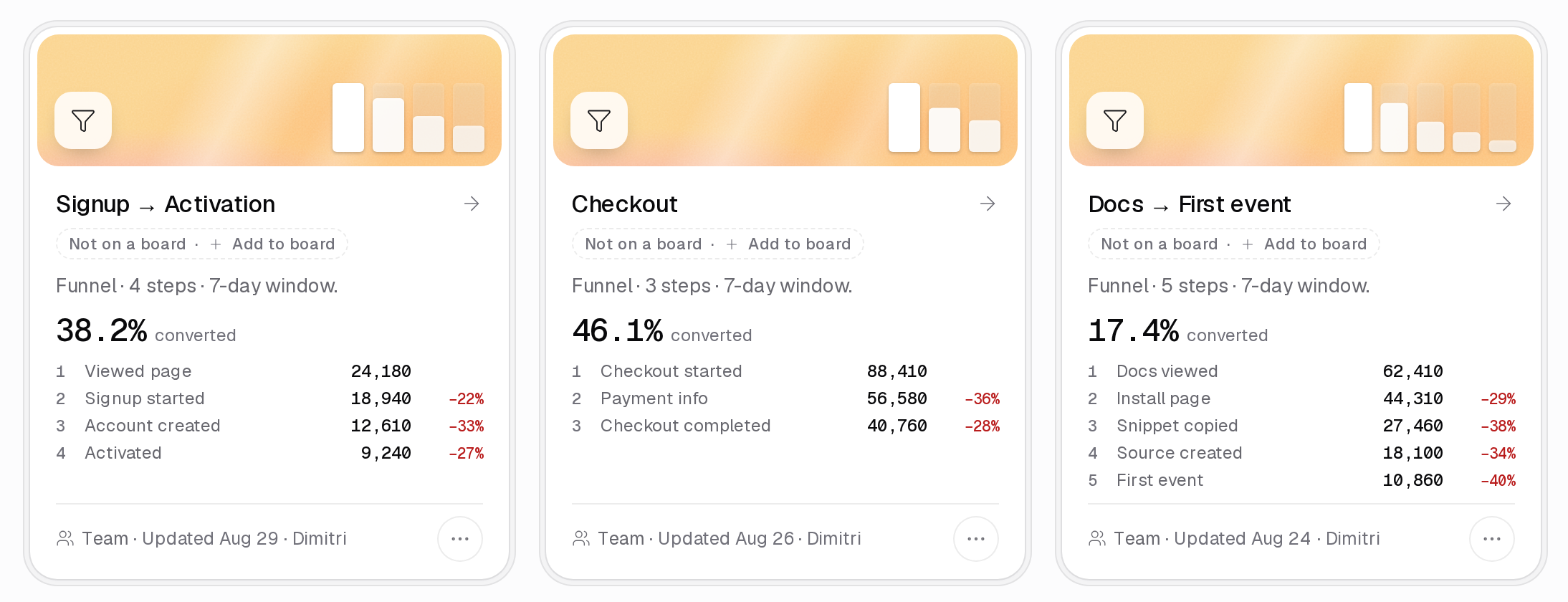
Conversion funnel optimization for a SaaS sign-up flow
Find and validate a SaaS sign-up obstacle, calculate step losses, estimate a change transparently, and evaluate the result with a useful downstream guardrail.